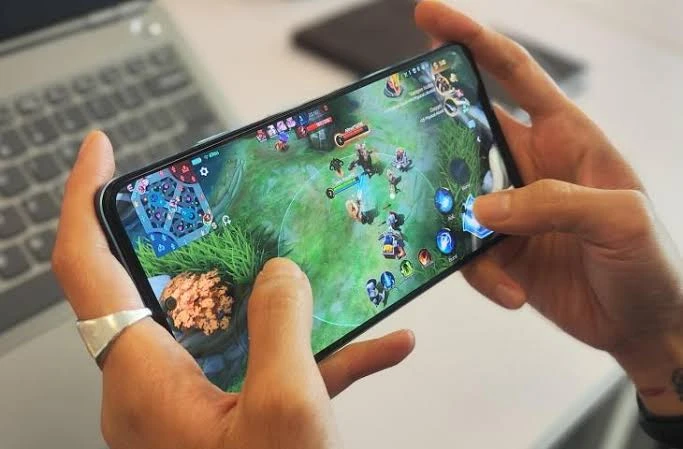
Extended gaming sessions on a mobile device typically cause the battery to deplete rapidly. This situation is quite frustrating, especially when you’re immersed in gameplay and unable to locate a charging spot.
Even though modern smartphones come with high‑capacity batteries, users still need to monitor their consumption.
There are several strategies to conserve battery while gaming on a phone that can be implemented to make the device’s power last longer.
Effective Ways to Preserve Battery Life While Gaming on a Smartphone
Image: HiTecno
Here are some simple methods you can try.
1. Kurangi Kecerahan Layar
A screen with high brightness consumes more power. Adjust the lighting manually according to the room conditions. You can also set the screen to turn off automatically when the phone is not in use.
2. Tutup Aplikasi di Latar Belakang
Applications that continue to run even when not opened can consume power. Before playing, close unnecessary apps to make the phone’s performance lighter and prevent rapid battery drain.
3. Matikan GPS Jika Tidak Dibutuhkan
Location services should be turned off when not in use. Some applications continue to access GPS in the background, which can increase battery consumption.
4. Sesuaikan Kualitas Grafis Game
Games with high graphics force the processor and other phone components to work harder. Try lowering the graphics settings or choose lighter games to reduce power usage.
5. Cari Koneksi Internet yang Stabil
Weak cellular signals cause the phone to work harder to maintain a connection. Use a stable Wi‑Fi network if available to make gaming smoother and help conserve battery.
6. Perbarui Sistem dan Aplikasi
Software updates can bring bug fixes and performance improvements. Ensure that the operating system and games used are updated through official sources.
7. Periksa Kondisi Baterai
If the battery drains quickly despite light usage, check its health. If it has deteriorated, consider replacing it with an official battery or as recommended by the manufacturer.
Applying tips to conserve battery while gaming on a phone can help extend playing time. Use a quality power bank when needed and avoid playing while charging if the phone feels hot.
These tips for saving battery while gaming on a phone can be tried to minimize the issue.