
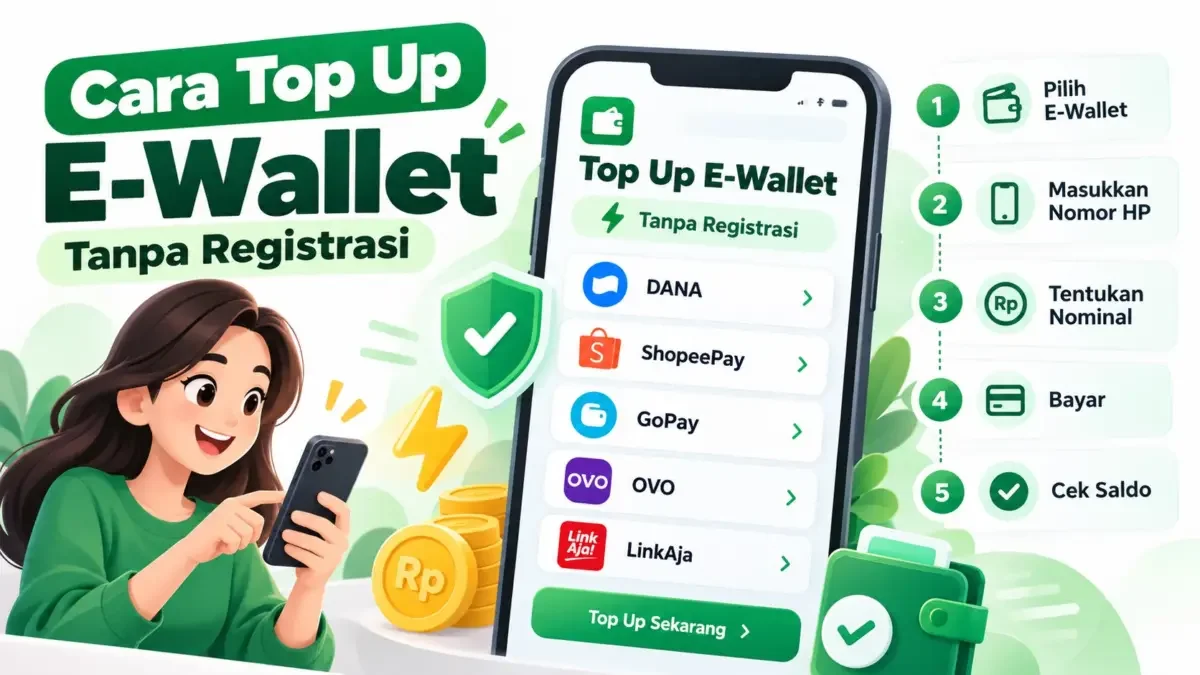
Thecuy.com – You can top up your e‑wallet without registration by using a refill website that does not require creating a buyer account. Simply select a digital wallet, enter the destination number, set the amount, and complete the payment. Once the payment is processed, check the recipient’s account balance to confirm the refill was received.
This option is ideal if you want to refill your own balance or help a family member without creating a new account on the refill site. Before you start, prepare an active e‑wallet number and a funding source for the payment. Here is the step‑by‑step guide you can follow using a mobile browser or a laptop.

1. Choose the Digital Wallet You Want to Refill
Open the refill website and select the product that matches your needs. For instance, choose DANA for a DANA account or GoPay for a GoPay account. Do not enter a number before confirming the correct product, especially when you use multiple digital wallets with the same phone number.
To suppress looting and riots in France, Prime Minister Lecornu calls for limited curfews; Minister of Manpower reveals 5 essential skills for young people to face the AI era and an increasingly competitive job market.

You can use TopUpSaldo’s e‑wallet top‑up service to choose from DANA, ShopeePay, OVO, GoPay, or LinkAja. The service offers low prices, fast processing, and secure payments without extra registration on the site. Select the account you intend to use for your payments, then proceed to the refill form.
2. Enter the Recipient’s Account Number
Enter the mobile number registered with the target e‑wallet. Copy it from the account information if needed and verify that all digits are correct. For family top‑ups, request the number directly from the recipient. Contact list numbers may not match the number linked to their digital wallet account.
The term ‘without registration’ here refers to a balance purchase website. The recipient must already have an active e‑wallet account. If the number is not yet registered or the account is not usable, complete those requirements first so you do not purchase balance for a target that is not ready to receive and use the refill.
3. Determine the Amount Based on Your Needs
Check the available balance and the total payment you intend to make. For example, if your need is Rp75,000 and the remaining balance is Rp25,000, you need an additional Rp50,000. Use this difference as a basis for selecting an available amount, and adjust it if there are fees for the main transaction you want to pay.
Read more tutorials on the Seputar Tutorial Page. Thank you for visiting TheCuy. 🙂

Pemilik Website Thecuy.com