
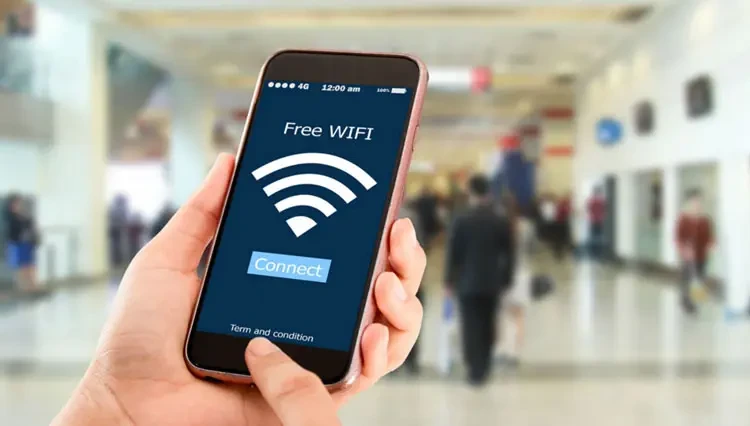
Bagi kamu yang sering melakukan aktivitas di luar ruang (outdoor), jaringan Wi-Fi publik di kafe, bandara, atau mal tentu menjadi penyelamat untuk mendukung aktivitas daring. Meskipun gratis dan cepat, penggunaan jaringan terbuka ini menyimpan risiko besar bagi keamanan data.
Agar koneksi internet tetap nyaman tanpa mengorbankan privasi, simak sejumlah tips aman menggunakan Wi-Fi publik yang wajib kamu terapkan di bawah ini!

Tips for Safely Using Public Wi-Fi
1. Use a VPN for Encrypted Connection
Using a VPN (Virtual Private Network) is the most important tip for safely using public Wi-Fi. Since public Wi-Fi networks are often unencrypted, anyone on the same network can spy on your online activities.
A VPN creates an encrypted tunnel so that incoming and outgoing data remains tightly closed to third parties.

2. Verify Network Name Before Connecting
Cybercriminals often create fake networks with names similar to official ones (e.g., genuine “Free_Kafe_WiFi” vs fake “Free_Kafe_WiFi”).
Always confirm the network name with staff at your location before clicking “Connect” to avoid data theft traps.
3. Disable Auto‑Connect Feature and File Sharing
Many smartphones and laptops automatically connect to previously saved networks by default. Turn off the auto‑connect option to prevent accidental connections to dangerous hotspots.
Additionally, make sure the File Sharing feature is turned off so your personal folders cannot be accessed by others on the same network.
4. Avoid Sensitive Transactions on Public Wi-Fi
A crucial tip for using public Wi‑Fi is to avoid banking transactions or accessing e‑wallets. Public networks are highly vulnerable to hacker infiltration. If you need to conduct financial transactions, switch to a cellular data network or use a personal hotspot from your phone.
5. Always Access HTTPS‑Protected Websites
Before entering any information, make sure the website address starts with HTTPS (not HTTP). The HTTPS protocol indicates that communication between your device and the site server is encrypted, making it harder to intercept.
6. Enable Two‑Factor Authentication (2FA)
Activating 2FA (Two-Factor Authentication) provides an extra layer of protection. With this feature, even if a hacker manages to obtain your password through a public network, they still cannot log in without an additional verification code sent to your phone.
7. Keep System and Software Updated Regularly
Regularly update your operating system and applications. Software updates usually include the latest security patches that close vulnerabilities (bugs) often exploited by hackers to infiltrate devices when using public Wi‑Fi.
Enjoying free internet access is certainly enjoyable, but personal data security must remain the top priority. By implementing the above tips for safely using public Wi‑Fi, you can stay productive anywhere with significantly lower security risks.
Lanjut Baca:
Follow TheCuy — everywhere
Stay updated wherever you scroll.

Penulis Berpengalaman 5 tahun.