
Tired of a stiff phone screen? Let’s brighten your display with these battery‑saving live wallpaper suggestions for Android!
If you find the phone’s screen static and dull, using a live wallpaper app is the most effective way to refresh the atmosphere.

These live wallpaper apps can transform your Android phone’s interface into something far more interactive and reflective of your personality through animated images (GIFs), 3D effects, and real‑time video playback.
Many users hesitate to install Android moving wallpapers due to the myth of high battery consumption. In fact, modern apps now feature power‑optimization tools (battery‑optimized) that automatically pause animations when the screen turns off or another app is opened.

Which are the best and most lightweight live wallpaper apps you can download for free from the Google Play Store? Let’s take a look at the recommendations below!
5 Top Live Wallpaper Apps for Android
Here are the recommended live wallpaper apps and 3D wallpapers you should install on your Android smartphone:
1. Video Live Wallpaper Creator
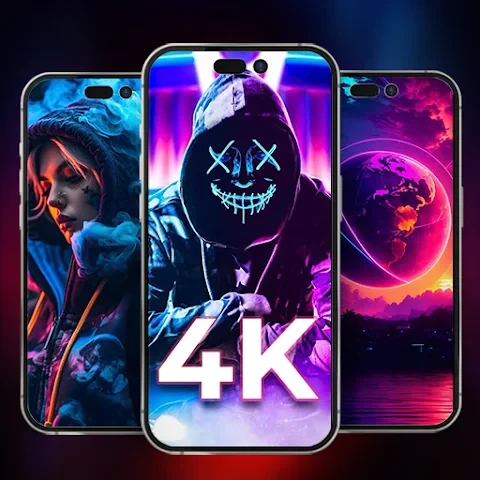
This app is highly recommended for new users because of its intuitive interface. You can instantly transform any video from your phone’s gallery into a dynamic wallpaper.
- Key Benefits
- Supports 3D, 4D effects, 4K resolution, and parallax effect that follows screen movement.
- Additional Features
- Audio from the video can be enabled, and video ratio is automatically adjusted to screen size (fit with screen).
- Performance
- Very power‑efficient and downloaded over 10 million times.
2. Pixel 4D Live Wallpaper
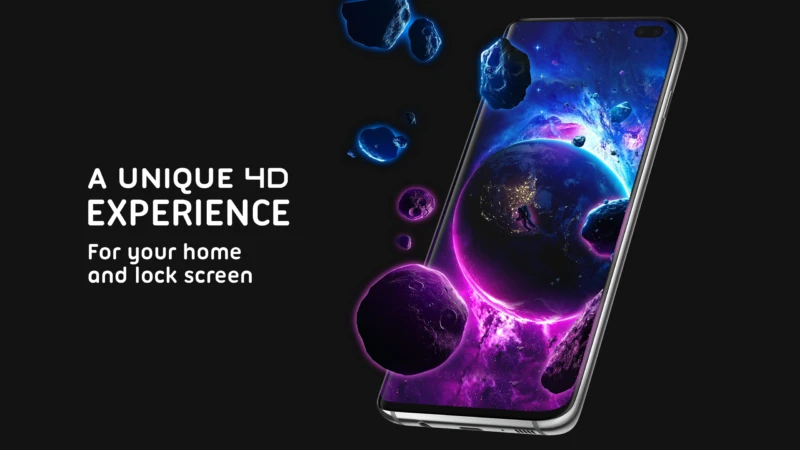
If you don’t want to create your own wallpaper, Pixel 4D offers more than 300 ready‑to‑use animated wallpaper options for both homescreen and lockscreen.
- Key Benefits
- Has a diverse collection of themes ranging from anime, superheroes, to nature scenes with highly realistic depth dimensions.
- AMOLED Optimization
- For AMOLED screens, this app is said to consume a maximum of only 2% of daily battery power.
- Motion Sensor
- Images move in sync when you tilt your phone (gyroscope effect).
3. Wave 3D Live Wallpaper Designer
For creative souls, Wave offers complete freedom to design your own live wallpaper creations and share them with a global community within the app.
- Key Benefits
- Comprehensive customization tools to create live wallpapers based on animation, technology, or animals.
- Performance
- Intelligent memory management system so it doesn’t drain the phone’s RAM capacity when running in the background.
4. TikTok Live Wallpaper App

Found an aesthetic FYP video on TikTok and want to make it your phone’s background? This official TikTok app is the bridge.
- How to Use
- Open the video in TikTok > select the Share menu > tap the option Save as Live Photo.
- Application
- Open the TikTok Live Wallpaper app, select the video just downloaded, then set it as the main wallpaper.
- Popularity
- Downloaded over 50 million times because it’s very stable and practical for turning videos into phone wallpapers.
5. Simple Video Live Wallpaper
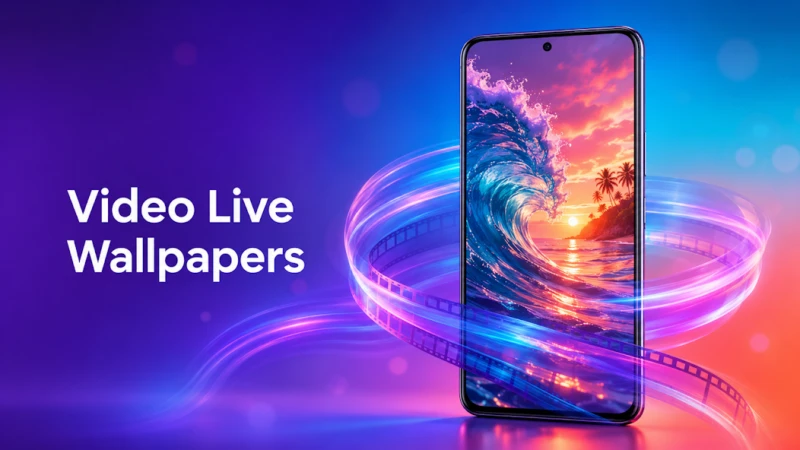
Unlike other apps that provide a built‑in gallery catalog, this app comes with only one function: playing local videos from your phone’s gallery as a wallpaper.
- Key Benefits
- Very small app size (lightweight) so it doesn’t burden the internal memory.
- Target Users
- Ideal for users with low‑end phones or limited storage who still want to look modern.
FAQ
Do live wallpaper apps drain the phone’s battery quickly?
Modern apps are designed with an auto-pause feature. Animations only run when you’re on the homescreen. When you open another app or turn off the screen, the live wallpaper stops, keeping battery consumption low.
Does the video used as a live wallpaper have sound?
It depends on the app’s settings. In apps like Video Live Wallpaper Maker, you have an option button to mute (mute) or enable audio from the video.
What is the maximum video duration for use as a live wallpaper?
Most apps recommend a video duration between 5 and 15 seconds. Videos that are too long will be automatically trimmed or looped to keep Android’s RAM performance from lagging.
Each option has its own advantages, from those rich in 3D customization features to the lightest and most minimalist. By installing any of the live wallpaper apps above, your phone’s screen will never feel boring again.
Want to know the best Android app recommendations, smartphone customization tutorials, and other reliable tech information? Come on, don’t forget to always update your knowledge only at TheCuy Tekno!
Follow TheCuy across all platforms
Remain informed on any device you use.
Simpan
