
Thecuy.com – Having a tablet alone may not always suffice to support daily activities, especially when the device is used for work, college, meetings, or content creation. Several tablet accessory recommendations can enhance comfort while expanding its functionality. What are they? Come on, let’s see more in this article!
Konten dalam artikel ini
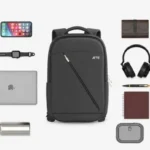
Best Tablet Accessories List
Here are some items that can enhance the comfort of using a tablet for work and enjoying entertainment and favorite content:
1. Stylus Pen
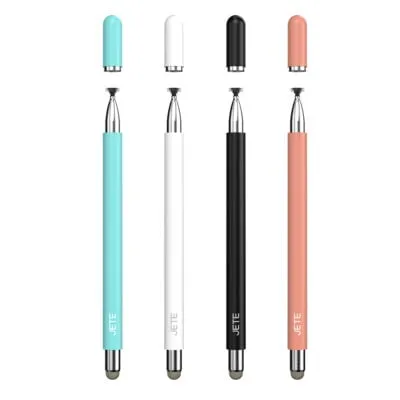
The first recommendation is a stylus pen, especially for those who are active in note‑taking, drawing, annotating documents, or performing creative tasks such as graphic designers. Compared to using a finger, a stylus offers more precise control, making activities like digital note‑taking or illustration creation more comfortable.
The most crucial factor when selecting a stylus is its compatibility with the tablet being used. Not all styli can make use of features such as pressure sensitivity, palm rejection, tilt detection, or shortcuts on every tablet. Therefore, check the tablet model and supported operating system before purchasing. This is essential for ensuring your working comfort.
Read also: 10+ Best Tablet Recommendations for Work 2026!
2. Powerbank
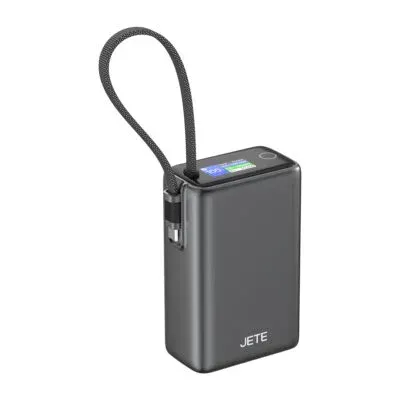
Portability is a primary reason why someone chooses a tablet. Nonetheless, activities such as watching videos, joining video conferences, using design apps, or working with an internet connection for extended periods can cause the battery to drain faster. A power bank can serve as an extra power source when the user is traveling and does not have access to an electrical outlet.
Choose a power bank that includes USB Power Delivery or Power Delivery features for convenient charging without a long time. In addition, make sure you check the capacity, power output, number of ports, and size of the power bank based on mobility needs to keep it comfortable to carry.
Read also: 18+ Best Cheap Tablet Recommendations 2026, Starting from 1 Million!
3. Holder Tablet
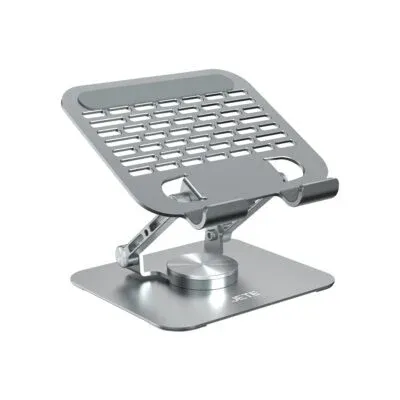
Using a tablet while constantly holding the device is certainly uncomfortable, especially when watching, attending online meetings, reading documents, or using the tablet as an additional screen. A tablet holder helps position the device in a more stable manner so that hands can remain free while performing other activities.
There are many types of holders to choose from, ranging from desk models, foldable models, to holders with adjustable angles. Some tablet stands also support devices up to about 12.9 inches and are designed with a wider base to improve stability.
4. Mouse Wireless
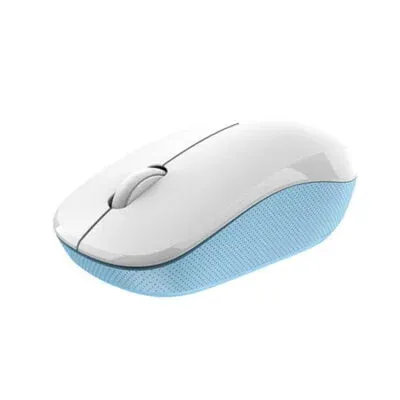
A tablet with a touch screen can indeed be used without a mouse. However, when the device starts being used for processing spreadsheets, editing documents, managing files, or running various productivity applications, a wireless mouse can provide a more comfortable and precise pointer control.
Nowadays there are wireless mice available that are compatible with various tablet operating systems. Logitech and JETE, for example, have mice that support Android and iPadOS operating systems and allow users to switch between certain devices via a multi-device feature. For use with tablets, a compact, lightweight mouse that uses Bluetooth is usually more practical because it does not require an additional USB receiver.
5. Keyboard Wireless
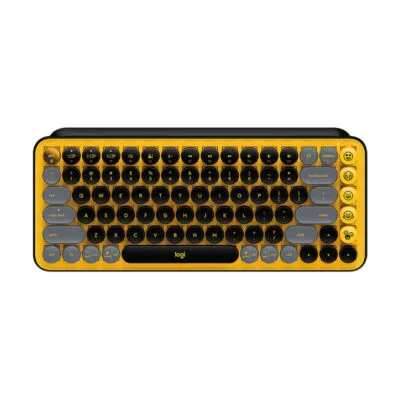
If a tablet is frequently used for typing articles, completing college assignments, replying to emails, or creating documents, a wireless keyboard is a fairly important accessory. An external keyboard offers a more comfortable typing experience than a virtual keyboard because the entire screen area can still be used to display the document or application being worked on.
Bluetooth keyboards are also available in a thin and compact design specifically intended for use with tablets. Before purchasing, ensure compatibility with the operating system, keyboard size, key layout, battery life, and multi-device features according to your needs.
6. Casing or Flip Cover
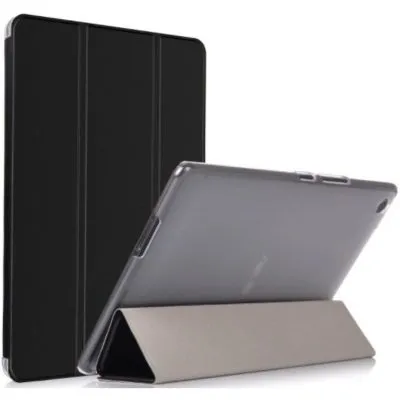
A tablet has a fairly large surface area, so the body and screen are more susceptible to scratches when frequently carried around. Therefore, a casing or flip cover becomes a basic item that should be used to help provide additional protection during daily use.
Some flip covers even have an additional function as a stand. Certain cover models are also designed to help protect the device from minor impacts and scratches. Make sure the selected casing has a precise size and does not block the camera, speakers, buttons, charging port, or stylus storage space.
Read also: 18+ Best Cheap Tablet Recommendations 2026, Starting from 1 Million!
7. Screen Protector
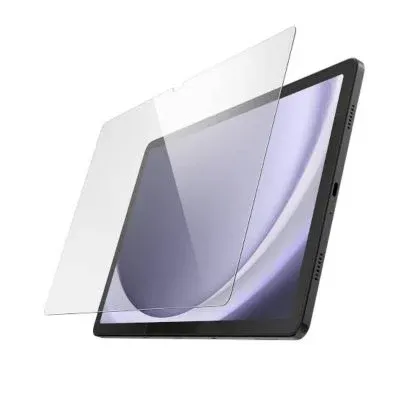
In addition to a casing that can protect the body, a tablet also needs other protection such as a screen protector for screen comfort. Friction with other objects when a tablet is stored in a bag can potentially leave scratches on the surface. Installing a screen protector can serve as additional protection to keep the screen more protected during daily use.
The choice of screen protector is now quite diverse, ranging from tempered glass, anti‑glare, to privacy types. If a tablet is frequently used with a stylus, choose a screen protector that still provides good touch sensitivity so that the experience of writing or drawing does not change much.
8. Headset Bluetooth
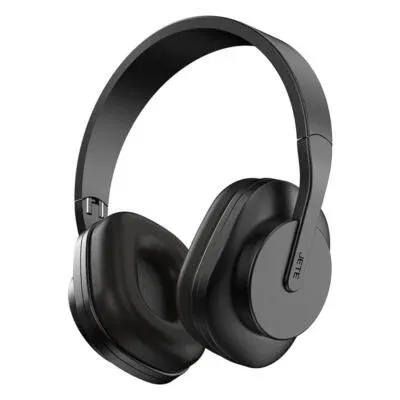
For those who often attend online meetings, virtual classes, listen to music, watch movies, or make calls, a Bluetooth headset needs to be considered for ownership. Its wireless design makes it compact and hassle‑free to use anywhere and anytime, providing freedom of movement.
For daily use, consider microphone quality, earpad or earbud comfort, battery life, sound quality, and noise cancellation features if the tablet is often used for meetings in a noisy environment.
9. USB Hub
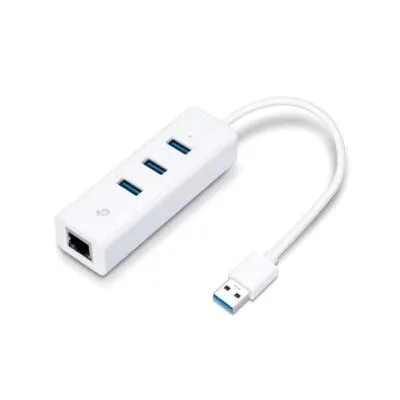
The number of ports on a tablet is generally more limited compared to a laptop. This condition can be a hindrance when the user needs to connect additional devices such as flash drives, mice, keyboards, memory cards, monitors, or external storage media. A USB hub becomes a practical solution because one port can be used to add several connections at once.
USB C hubs are available in various configurations. There are models that provide USB A, USB C, HDMI, card reader, and even Power Delivery pass‑through. Before buying, check the capabilities of the USB C port on the tablet because support for video output, data transfer, and charging can differ on each device.
10. Portable SSD
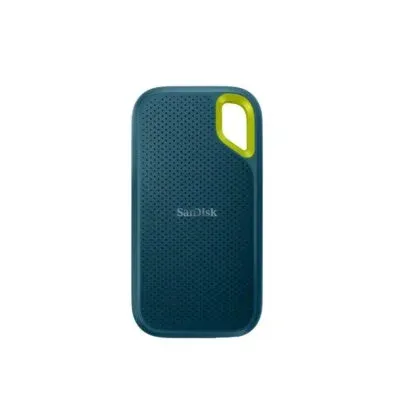
The final device or accessory is a portable SSD. It is very important for those who store a lot of important files and data in the form of high‑resolution videos, photos, design files, work documents, or editing projects. Tablet storage capacity is indeed limited, therefore a portable SSD becomes a practical solution besides the cloud.
When purchasing it, make sure you choose according to your usage needs. This includes data transfer speed and a sturdy design. Particularly for users with high mobility, body durability becomes an important consideration for longevity.
Read also: Tablet vs Laptop: Which is Better for Students and College Students?
Mana Aksesoris yang Sebaiknya Dibeli?
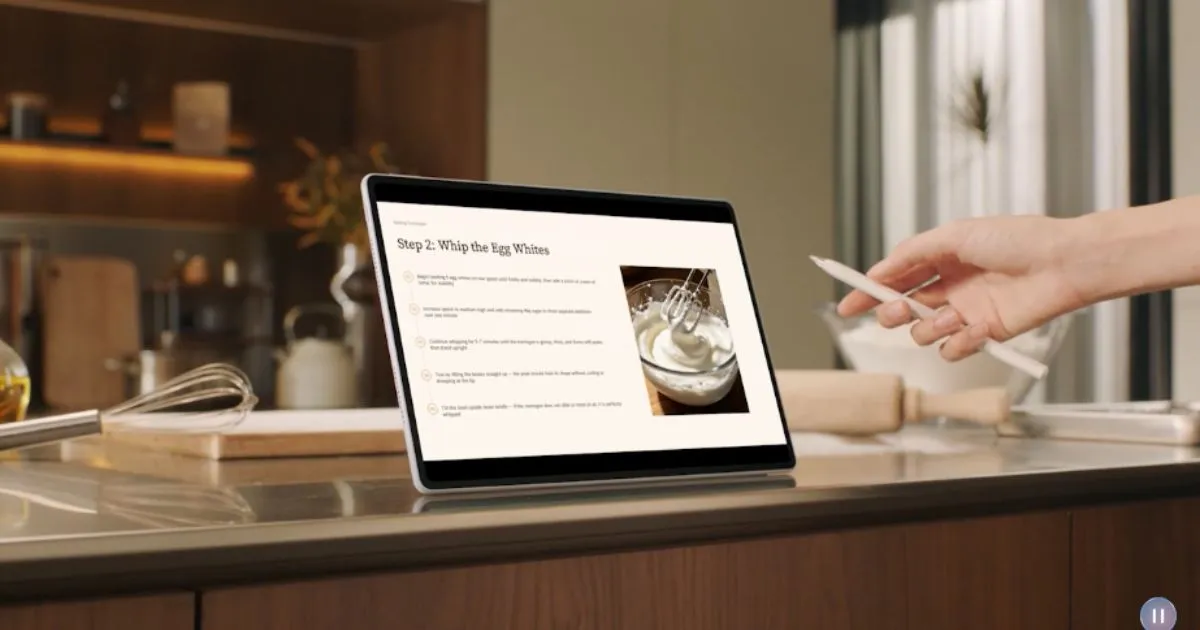
At least those are some lists of tablet accessories that you can own. Remember, you can choose equipment based on the activities you most frequently perform. For productivity, a combination of wireless keyboard, mouse, holder, and USB hub can make the tablet more comfortable to use as a work device.
Meanwhile, a stylus will be more useful for students, designers, illustrators, and users who often create digital notes. For use with high mobility, a power bank, casing, screen protector, Bluetooth headset, and portable SSD can be an attractive complement.
Whatever accessory is chosen, make sure first of all its compatibility with the tablet model, device size, connector type, and operating system so that the available features. In addition, purchase it at a trusted place such as Thecuy.com which sells tab accessories with guarantees of original goods, official warranty, and many attractive promos at certain times for each purchase.
Read also other Gadget Info at the latest Info Gadget thank you for visiting thecuy. 🙂

Saya adalah penulis di thecuy.com, sebuah website yang berfokus membagikan tips keuangan, investasi, dan cara mengelola uang dengan bijak, khususnya untuk pemula yang ingin belajar dari nol.
Melalui thecuy.com, saya ingin membantu pembaca memahami dunia finansial tanpa ribet, dengan bahasa yang sederhana.