🌍 Translate this article:
❌ Batalkan Translate (Kembali ke Teks Asli) Pilih Bahasa Terjemahan... Afrikaans Albanian Amharic Arabic Armenian Azerbaijani Basque Belarusian Bengali Bosnian Bulgarian Catalan Cebuano Chichewa Chinese (Simplified) Chinese (Traditional) Corsican Croatian Czech Danish Dutch English Esperanto Estonian Filipino Finnish French Frisian Galician Georgian German Greek Gujarati Haitian Creole Hausa Hawaiian Hebrew Hindi Hmong Hungarian Icelandic Igbo Indonesian Irish Italian Japanese Javanese Kannada Kazakh Khmer Kinyarwanda Korean Kurdish (Kurmanji) Kyrgyz Lao Latin Latvian Lithuanian Luxembourgish Macedonian Malagasy Malay Malayalam Maltese Maori Marathi Mongolian Myanmar (Burmese) Nepali Norwegian Odia (Oriya) Pashto Persian Polish Portuguese Punjabi Romanian Russian Samoan Scots Gaelic Serbian Sesotho Shona Sindhi Sinhala Slovak Slovenian Somali Spanish Sundanese Swahili Swedish Tajik Tamil Tatar Telugu Thai Turkish Turkmen Ukrainian Urdu Uyghur Uzbek Vietnamese Welsh Xhosa Yiddish Yoruba Zulu
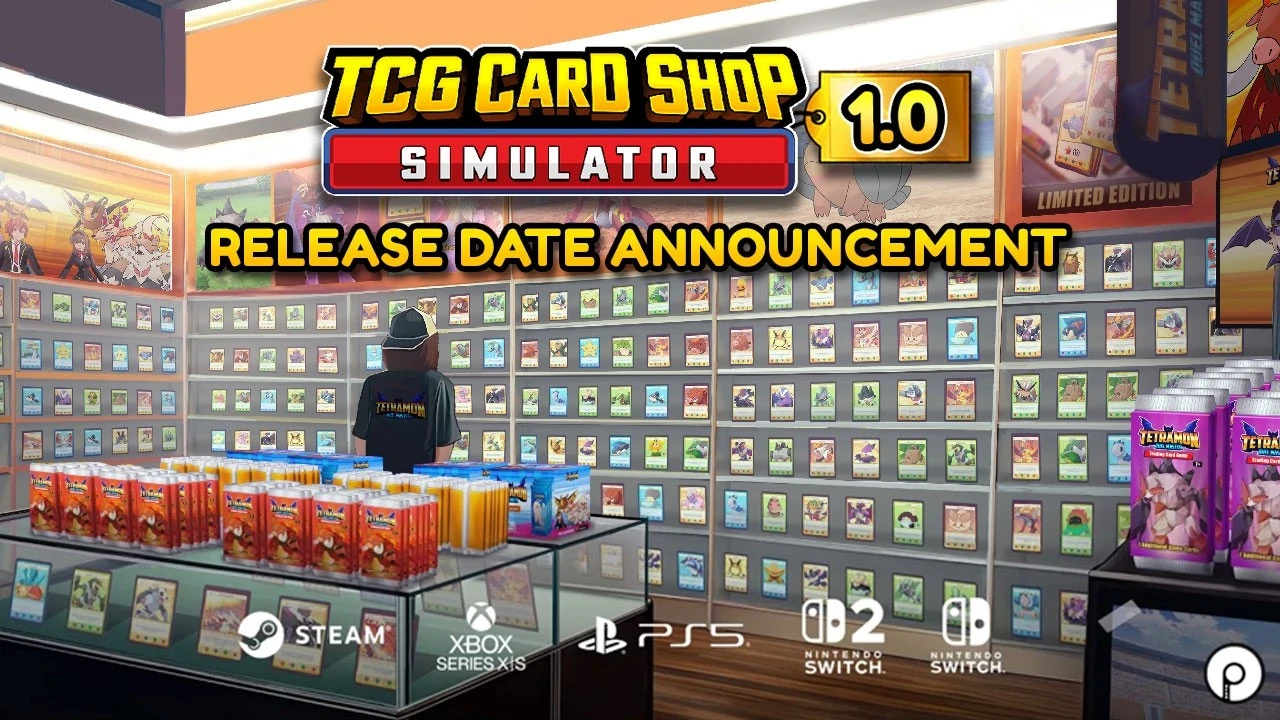
TCG Card Shop Simulator will officially exit Early Access and launch version 1.0 on September 15, 2026.
This card shop management simulation game will be available for PS5, Xbox Series, Xbox One, Nintendo Switch 2, Nintendo Switch, and PC via Steam and Microsoft Store.
Key Features of TCG Card Shop Simulator
VIDEO
OPNeon Game Studio/Youtube
Previously, the game from OPNeon Games has been in PC Early Access since September 2024. Version 1.0 introduces a long‑awaited feature for players: the Tetramon card game that can be played directly.
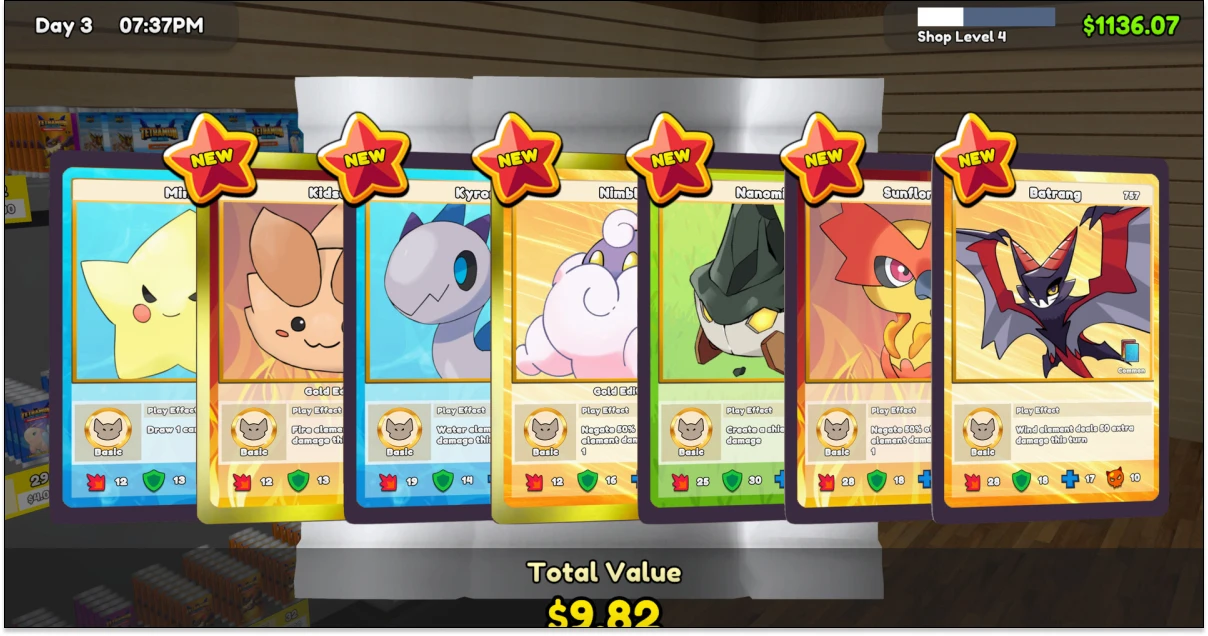
Collected cards can not only be sold or kept as a collection, but also used for battling. The full version launch also marks the debut of TCG Card Shop Simulator on PlayStation and Nintendo consoles.
Manage the card shop . Arrange shelves, products, and booster packs so customers can shop comfortably.Collect cards . Open booster packs to discover rare cards that can be sold or kept as a collection.Host matches . Set the format and entry fee, then allow customers to compete inside the store.Control inventory . Order various card products and adjust stock based on trends and customer demand.Grow the business . Use profits to expand the shop, add new card collections, and upgrade facilities.
In addition to selling cards, players must maintain store cleanliness and create a comfortable environment for visitors. Inventory management is also crucial because card trends can change and affect customer demand.
During business operations, profits can be used to enlarge the store and open various new facilities.
With the added Tetramon game, an expanded card collection system, and more comprehensive business management, version 1.0 of TCG Card Shop Simulator offers an increasingly extensive card shop simulation experience.
Follow TheCuy across all platforms
Stay up to date no matter where you browse.
Tim Editorial
</section>
Suka Suka Love Haha Wow Sedih
		<p>
							<button type="button" class="minami-reactions__btn minami-reactions__btn--like" role="menuitemradio" data-wp-on--click="actions.reactLike" data-wp-bind--aria-checked="state.isLike" data-wp-bind--disabled="state.reactionBusy" aria-label="Suka">
							<span class="minami-reactions__tip" aria-hidden="true">Suka</span>
							<span class="minami-reactions__icon" aria-hidden="true"><svg class="minami-icon minami-reactions__glyph" data-icon="thumbs-up" viewBox="0 0 24 24" width="24" height="24" aria-hidden="true" focusable="false" role="img"><use href="#mi-thumbs-up"></use></svg></span>
			<span class="minami-reactions__count" hidden data-wp-bind--hidden="!state.hasLikeCount" data-wp-text="state.likeCount"></span>
		</button>
							<button type="button" class="minami-reactions__btn minami-reactions__btn--love" role="menuitemradio" data-wp-on--click="actions.reactLove" data-wp-bind--aria-checked="state.isLove" data-wp-bind--disabled="state.reactionBusy" aria-label="Love">
							<span class="minami-reactions__tip" aria-hidden="true">Love</span>
							<span class="minami-reactions__icon" aria-hidden="true"><svg class="minami-icon minami-reactions__glyph" data-icon="heart" viewBox="0 0 24 24" width="24" height="24" aria-hidden="true" focusable="false" role="img"><use href="#mi-heart"></use></svg></span>
			<span class="minami-reactions__count" hidden data-wp-bind--hidden="!state.hasLoveCount" data-wp-text="state.loveCount"></span>
		</button>
							<button type="button" class="minami-reactions__btn minami-reactions__btn--laugh" role="menuitemradio" data-wp-on--click="actions.reactLaugh" data-wp-bind--aria-checked="state.isLaugh" data-wp-bind--disabled="state.reactionBusy" aria-label="Haha">
							<span class="minami-reactions__tip" aria-hidden="true">Haha</span>
							<span class="minami-reactions__icon" aria-hidden="true"><svg class="minami-icon minami-reactions__glyph" data-icon="meme" viewBox="0 0 24 24" width="24" height="24" aria-hidden="true" focusable="false" role="img"><use href="#mi-meme"></use></svg></span>
			<span class="minami-reactions__count" hidden data-wp-bind--hidden="!state.hasLaughCount" data-wp-text="state.laughCount"></span>
		</button>
							<button type="button" class="minami-reactions__btn minami-reactions__btn--wow" role="menuitemradio" data-wp-on--click="actions.reactWow" data-wp-bind--aria-checked="state.isWow" data-wp-bind--disabled="state.reactionBusy" aria-label="Wow">
							<span class="minami-reactions__tip" aria-hidden="true">Wow</span>
							<span class="minami-reactions__icon" aria-hidden="true"><svg class="minami-icon minami-reactions__glyph" data-icon="wow" viewBox="0 0 24 24" width="24" height="24" aria-hidden="true" focusable="false" role="img"><use href="#mi-wow"></use></svg></span>
			<span class="minami-reactions__count" hidden data-wp-bind--hidden="!state.hasWowCount" data-wp-text="state.wowCount"></span>
		</button>
							<button type="button" class="minami-reactions__btn minami-reactions__btn--sad" role="menuitemradio" data-wp-on--click="actions.reactSad" data-wp-bind--aria-checked="state.isSad" data-wp-bind--disabled="state.reactionBusy" aria-label="Sedih">
							<span class="minami-reactions__tip" aria-hidden="true">Sedih</span>
							<span class="minami-reactions__icon" aria-hidden="true"><svg class="minami-icon minami-reactions__glyph" data-icon="sad" viewBox="0 0 24 24" width="24" height="24" aria-hidden="true" focusable="false" role="img"><use href="#mi-sad"></use></svg></span>
			<span class="minami-reactions__count" hidden data-wp-bind--hidden="!state.hasSadCount" data-wp-text="state.sadCount"></span>
		</button>
		</p>
Simpan
Share <dialog class="minami-share__sheet" aria-label="Share post ini" data-wp-watch="callbacks.syncShareSheet" data-wp-on--close="actions.onShareClose">
<p>
<h2 class="minami-share__sheet-title">Share</h2>
<button type="button" class="minami-share__sheet-close" aria-label="Tutup" data-wp-on--click="actions.closeShare">×</button>
</p>
<button type="button" class="minami-share__opt minami-share__opt--native" hidden data-wp-bind--hidden="!context.canShare" data-wp-on--click="actions.nativeShare">
<span class="minami-share__opt-icon" aria-hidden="true">
<svg width="20" height="20" viewBox="0 0 24 24" fill="none" stroke="currentColor" stroke-width="2" aria-hidden="true"><circle cx="18" cy="5" r="3"></circle><circle cx="6" cy="12" r="3"></circle><circle cx="18" cy="19" r="3"></circle><path d="m8.6 13.5 6.8 4M15.4 6.5l-6.8 4"></path></svg>
</span>
<span class="minami-share__opt-label">Share lewat…</span>
</button>
</dialog>
Baca juga games lain di Info game terbaru thecuy . 🙂
Terkait